Works on Meta Quest, Pico and any WebXR headset
Stand inside
the moment.
Pick a photo on your phone. Put on your headset. A minute later you’re standing in it: the room, the light, the people, all around you.
$8/month · Free demo in any headset · Nothing to install


How it works
Two devices. Three steps. No setup.
 01
Pick a photo
Open remoment on your phone and choose any photo from your camera roll. Old scans work too.
 02
Put on your headset
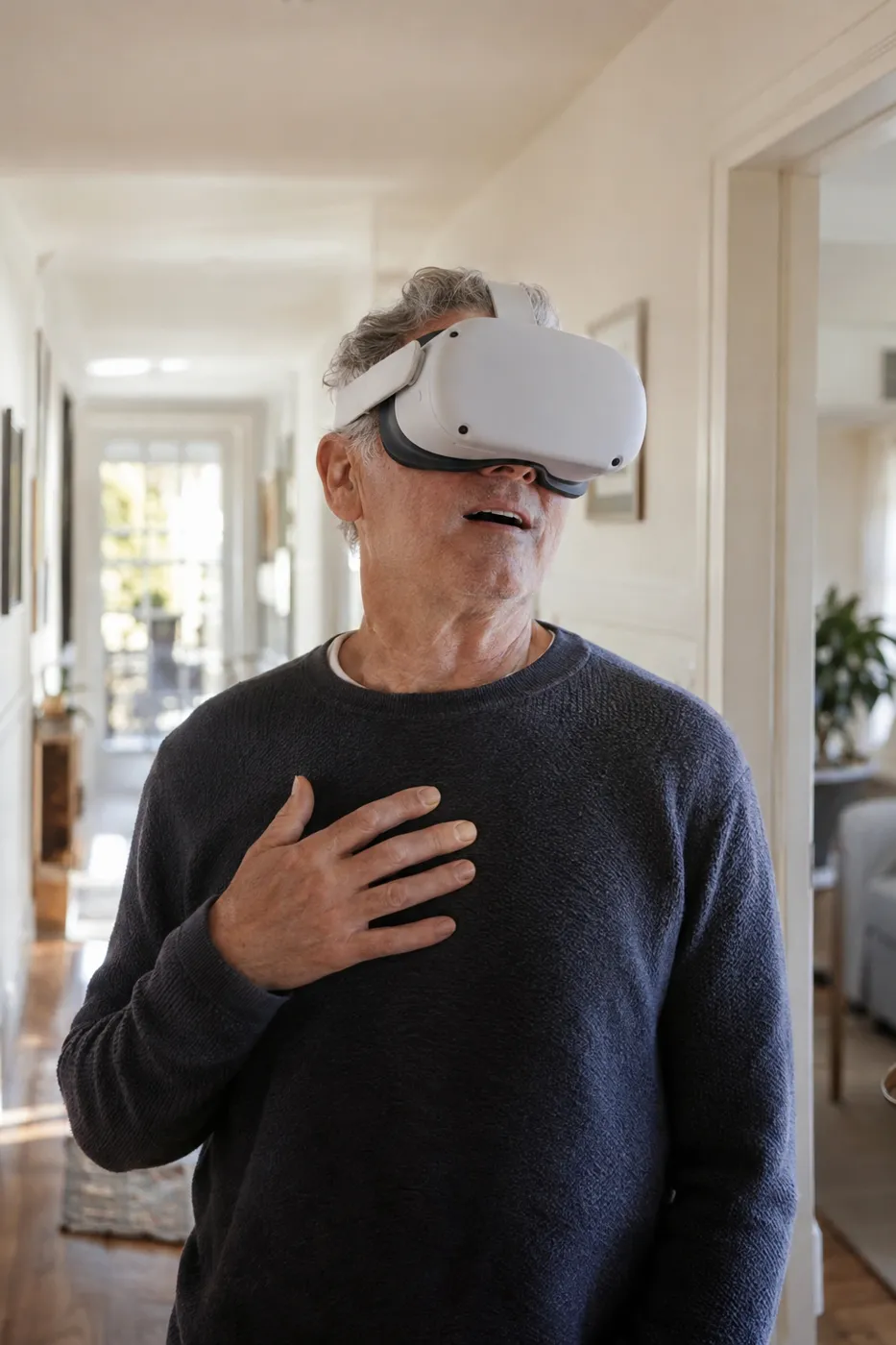
Open vr.ringerapps.com in the headset’s browser and type the 6-letter code from your phone. Nothing to install, and no sign-in on the headset.
 03
Step inside
A minute or two later the photo is a space around you. Lean in, look around, stay a while.

A photo is a window. This is a doorway.
- Real depth from one photo
- remoment works out what’s near and what’s far, then fills in what the camera couldn’t see, so the scene holds together when you move your head.
- Every moment, kept
- Your moments live in your library for as long as you’re subscribed, and every room you start opens onto all of them. A room’s code is the only key.
- Share the room
- Read the code out across the table. Everyone with a headset can join and see the same photo you do.
Pricing
One plan. Every moment kept.
Try it free in your headset. Subscribe when you want your own.
Free demo
$0in any headset
Open vr.ringerapps.com in your headset and stand inside scenes we’ve built from ordinary photos. No account.
remoment
$8a month
30 new moments every month, from your own photos, and your whole library kept while you’re subscribed.
Questions
Which headsets work?
Any headset with a WebXR browser. That includes Meta Quest 2, 3, 3S and Pro, Pico 4, and others. There is no app to download: remoment runs in the headset’s own browser.
How do I try it?
Open vr.ringerapps.com in your headset’s browser. It takes you straight into a free demo of scenes built from ordinary photos, with no account and nothing to install.
What photos work best?
Photos with a clear subject and some depth behind it: people in a room, a table outdoors, a view. Very dark, very blurry or very flat photos (a wall, a screenshot) have less to work with.
Can I walk around inside the photo?
You can lean, turn your head and move a little, and the scene responds like a real space. A single photo only captures one point of view, so it feels most real near where the camera stood.
What happens to my photos?
They’re used to build your moment and nothing else, and never to train anything. Your moments are kept in your library while you’re subscribed. If you cancel, we keep them for 3 months in case you come back, then delete them for good.
Who needs an account?
Only the subscriber, on their phone, signing in with Google. Everyone else joins your room with its 6-letter code, and headsets never sign in.
How long does it take?
Usually one to three minutes per photo. You can keep adding photos while earlier ones are still being built.